
Find The Lots Worth Bidding.
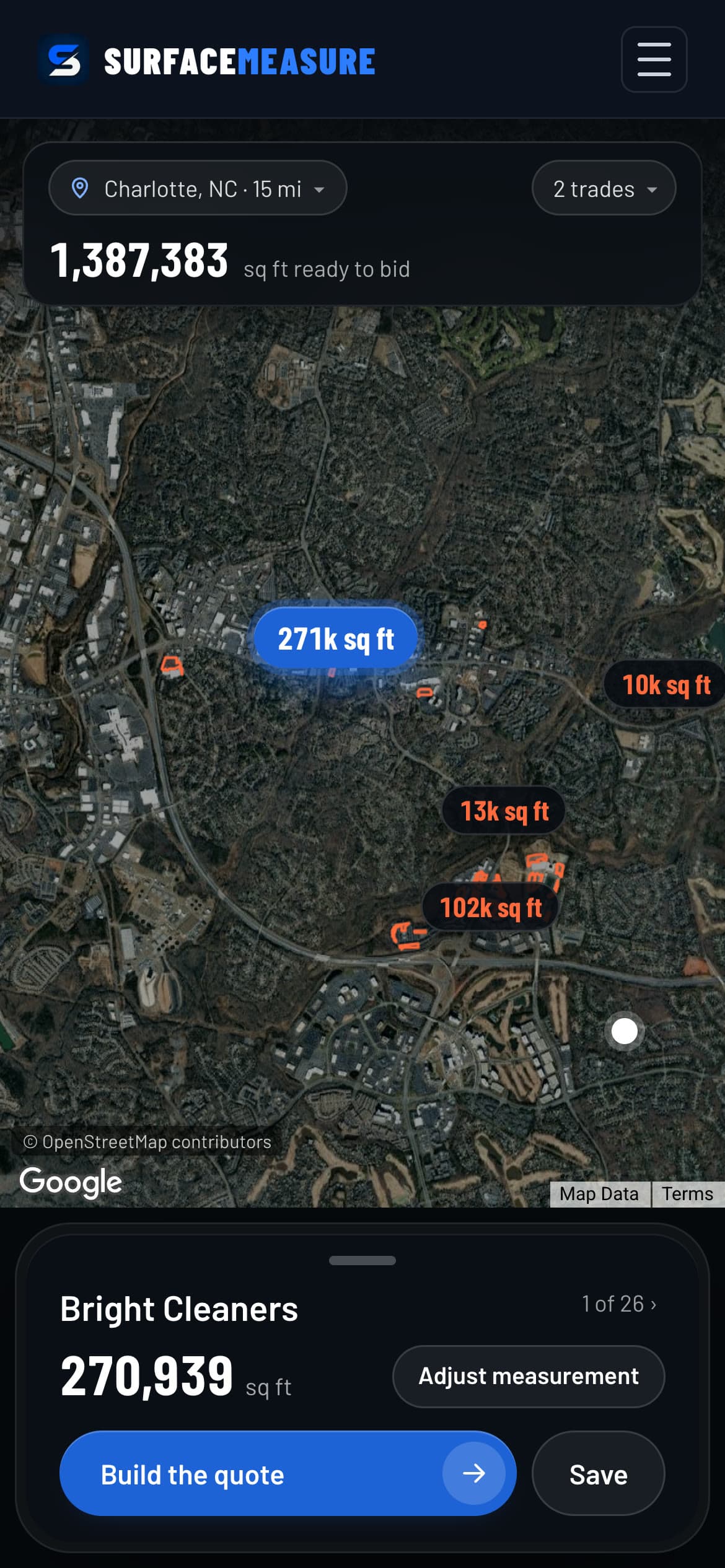
Commercial property leads near you, in the areas mapped so far: lots already outlined and measured, biggest first. Pick your trades and build the quote in one tap.
One Lot
The Job Before You Call
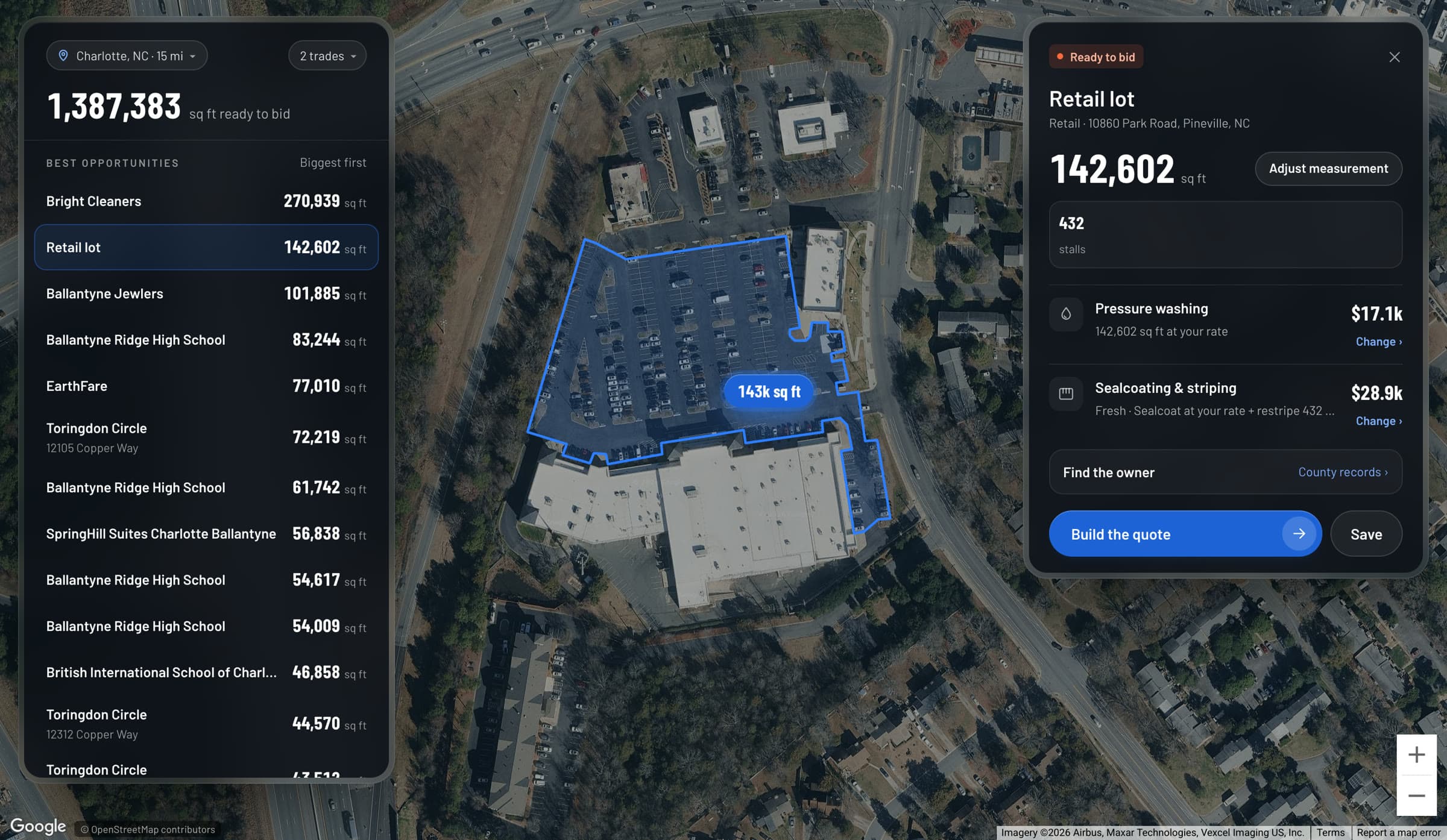
Tap a lot and the card has its size, its stall count and what it is worth in each of your trades at your rate. Adjust measurement if the outline needs a trim.
Find the owner opens the county records for the address. Build the quote takes it straight into a quote, already measured, and Save keeps it on your list.
Why It Matters
Start With The Big Ones
Biggest First
Every lot is 10,000 square feet or more and the list starts with the largest, so your first calls are your best jobs.
Only Your Trades
Pick what you do and see each lot priced in those trades at your own rate.
Measured Before You Ask
Walk into the first conversation with the size and a number, not a request for a site walk.
Questions, Answered
Prospects, Answered
Where do the lots come from?
Commercial property outlines from OpenStreetMap, measured from satellite, every lot of 10,000 square feet or more. Lots we have checked come first. The rest are marked as estimated from map outlines, so check the outline before you quote it.
Which trades does it price?
Pressure washing, sealcoating and striping, paving, and snow and ice, at your rate. Concrete lots are listed without a price. Pick the trades you do and every lot is priced in those trades.
How do I find out who owns a lot?
Each lot has Find the owner, which opens the county's property records for that address, so you can see who to call or write to before you quote.
What if my area isn't on the map yet?
Press Request my area and we map the commercial lots near you. It is on every account.
Can I keep track of the lots I'm working?
Yes. Save a lot and move it from saved to contacted, quoted, won or lost. Build the quote sends it into the tool already measured, and the quote lands in Jobs like any other.
Keep Exploring
The Rest Of The Kit
Free Guides & Calculators